SSL certificate expiry monitoring
Monitor every SSL/TLS certificate in your fleet and get staged alerts at 30, 14, 7 and 1 day before expiry. CertFleet probes the live certificate your server actually serves — not what the CA issued — so you catch the most common failure mode: a certificate renewed but never deployed.
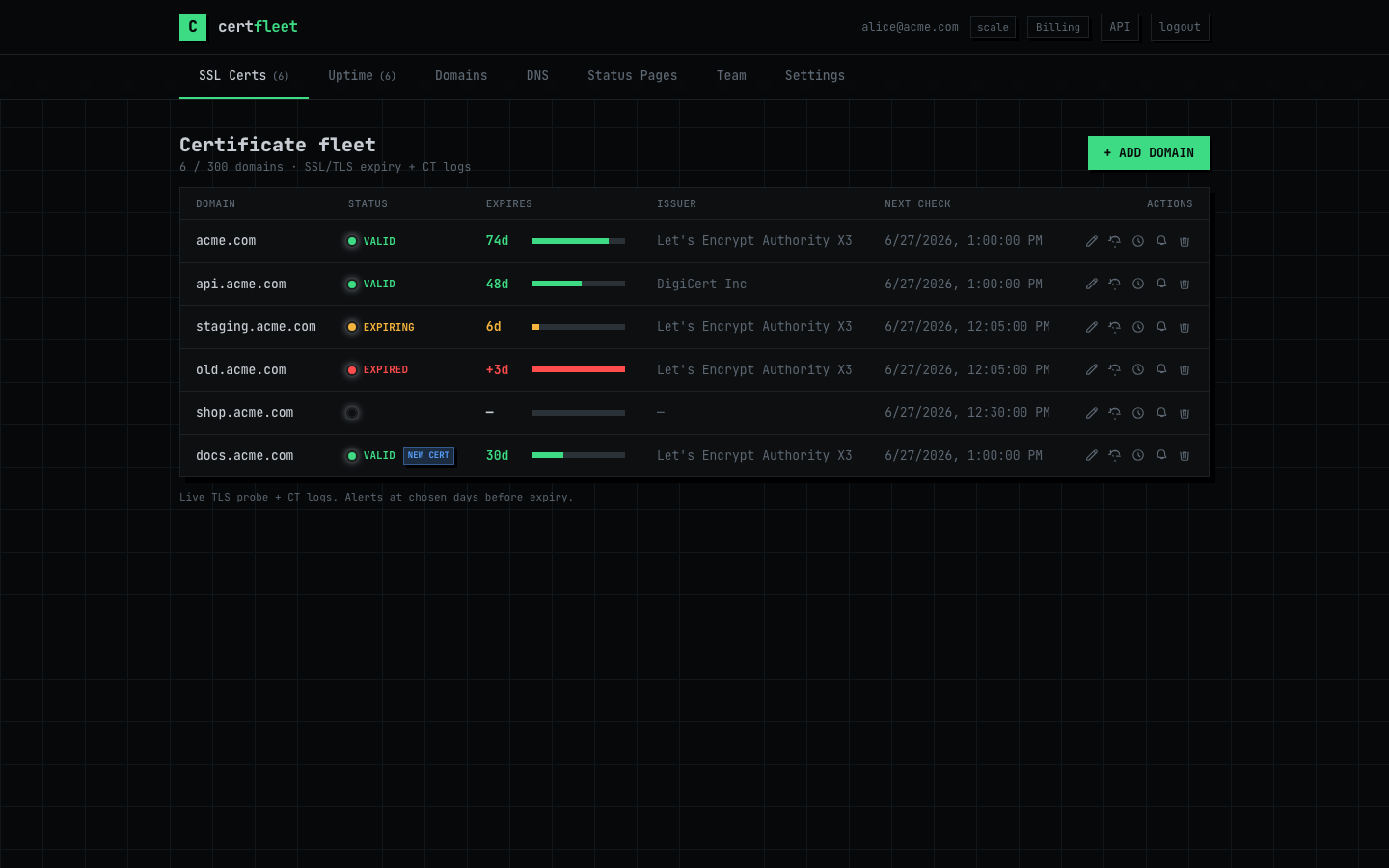
Certificate fleet sorted by expiry — every domain with its exact days remaining, EXPIRING and EXPIRED badges visible at a glance. Alert fires well before any cert reaches zero.
SSL certificate expiry monitoring tracks the notAfter field of every certificate in your fleet and alerts you on a staged schedule before that date is reached. The critical detail is where the data comes from: a monitoring tool that reads the CA's issuance record will tell you the new certificate was issued on schedule — even if your web server is still serving the old one. CertFleet performs a genuine TLS handshake on port 443 and reads the certificate your server actually presents, giving you the expiry date that matters to your users, not the one in the CA's database.
The most common SSL failure pattern is not a missed renewal — it is a renewal that succeeded but was never deployed. Let's Encrypt runs, the new certificate is written to disk, but the web server process is never reloaded. The server continues to serve the old certificate. From the CA's perspective the renewal succeeded. From your users' perspective, the certificate will expire on its original date. Certificate expiry monitoring based on live TLS probing catches this gap because it reads what the server serves, not what was issued.
Staged alert thresholds exist because different thresholds require different actions. At 30 days, the appropriate response is to verify auto-renewal is configured and scheduled. At 14 days, it is time to initiate a manual renewal if auto-renewal has not run. At 7 days, a renewal that has not happened is now urgent and requires immediate escalation. At 1 day, someone needs to act within hours or production will go down. Each threshold fires exactly once — idempotent delivery ensures a single notification per crossing, not one per check cycle. Alert fatigue from repeated notifications causes on-call engineers to start ignoring the monitoring system entirely, which defeats the purpose.
Certificate lifetimes are shrinking. The CA/Browser Forum has already moved the maximum validity from 398 days to 90 days, and proposals for 47-day lifetimes are advancing. With 47-day certificates, each domain needs a fresh renewal every 5–6 weeks. At scale — 50 domains across staging, production, and internal services — that is over 500 renewals per year. Any gap in automation coverage becomes a frequent failure rather than a rare one. Continuous expiry monitoring is the independent verification layer that confirms automation is working without requiring someone to manually check each domain.
Certificate Transparency logs add a complementary signal. Every publicly trusted CA must submit issued certificates to CT logs within 24 hours. CertFleet watches CT for your domains: when a new certificate appears in the logs — whether from your own automation or unexpectedly — an alert fires immediately. This closes two gaps: you see a successful renewal the moment the CA logs it (before it reaches port 443), and you see any unauthorised certificate issuance for your domain within minutes of it occurring, giving you time to request revocation.
Monitoring a full fleet means every hostname, not just the main domain. The API subdomain, the admin panel, the staging environment that someone forgot about, the internal service behind a load balancer — these are where the unexpected expiries happen. Each domain gets its own expiry timeline, its own alert configuration, and its own history. Adding a new domain to monitoring takes under a minute. The free tier covers 10 SSL certificates with no time limit; paid plans scale to 25, 100, or 300+ domains.
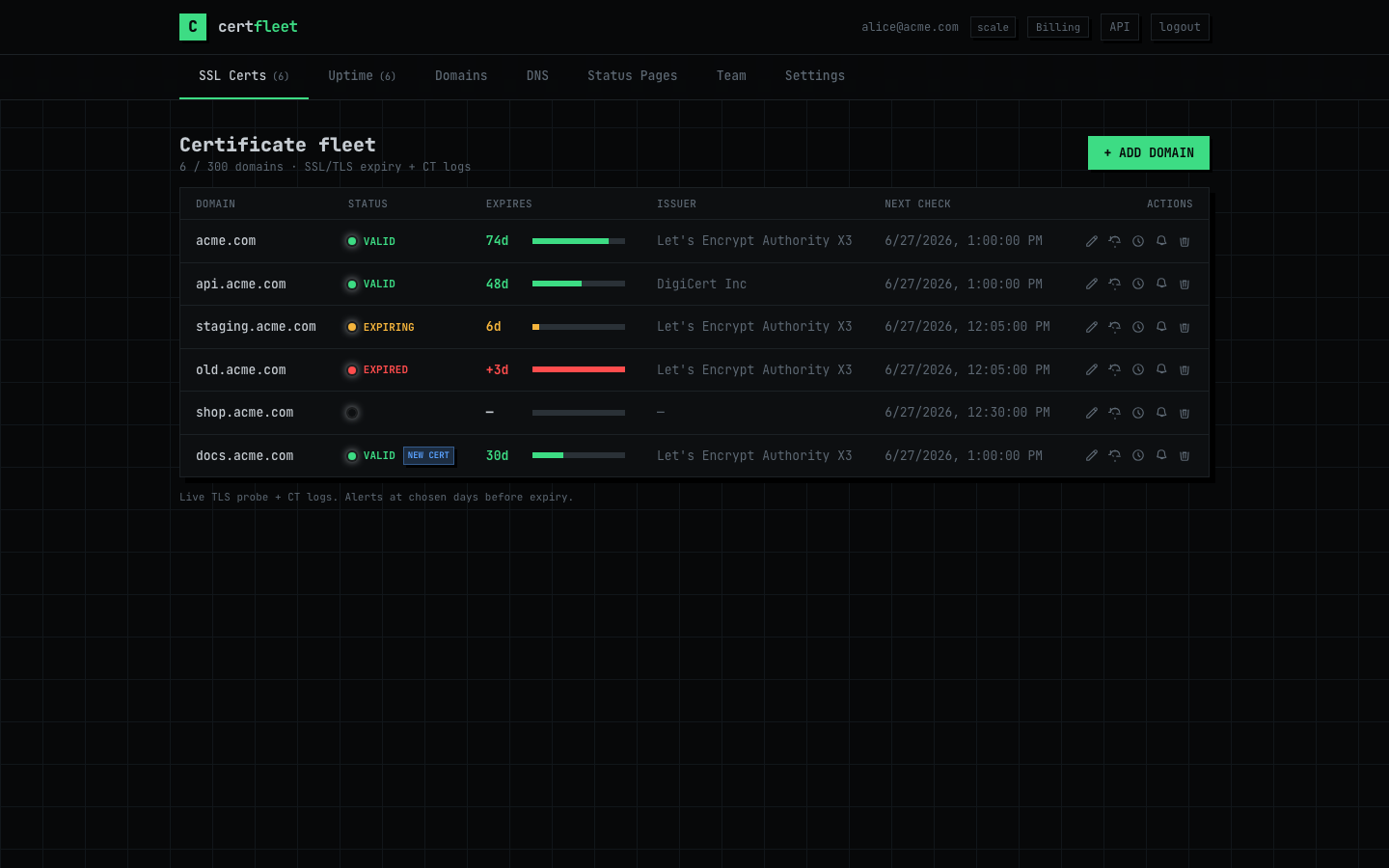
Fleet overview — issuer, TLS version, chain validity and days to expiry for every monitored domain. Certificate Transparency badge shows new issuances the moment they appear in CT logs.
| Alert threshold | Recommended action | If ignored |
|---|---|---|
| 30 days | Verify auto-renewal is scheduled and payment method is valid | Renewal may fail silently with no further warning |
| 14 days | Initiate manual renewal if auto-renewal has not run | Change management window closes, emergency renewal needed |
| 7 days | Escalate immediately — renewal must happen today | Browsers will show warnings within the week |
| 1 day | Emergency — act within hours or production goes down | Total outage: browsers block connection entirely |
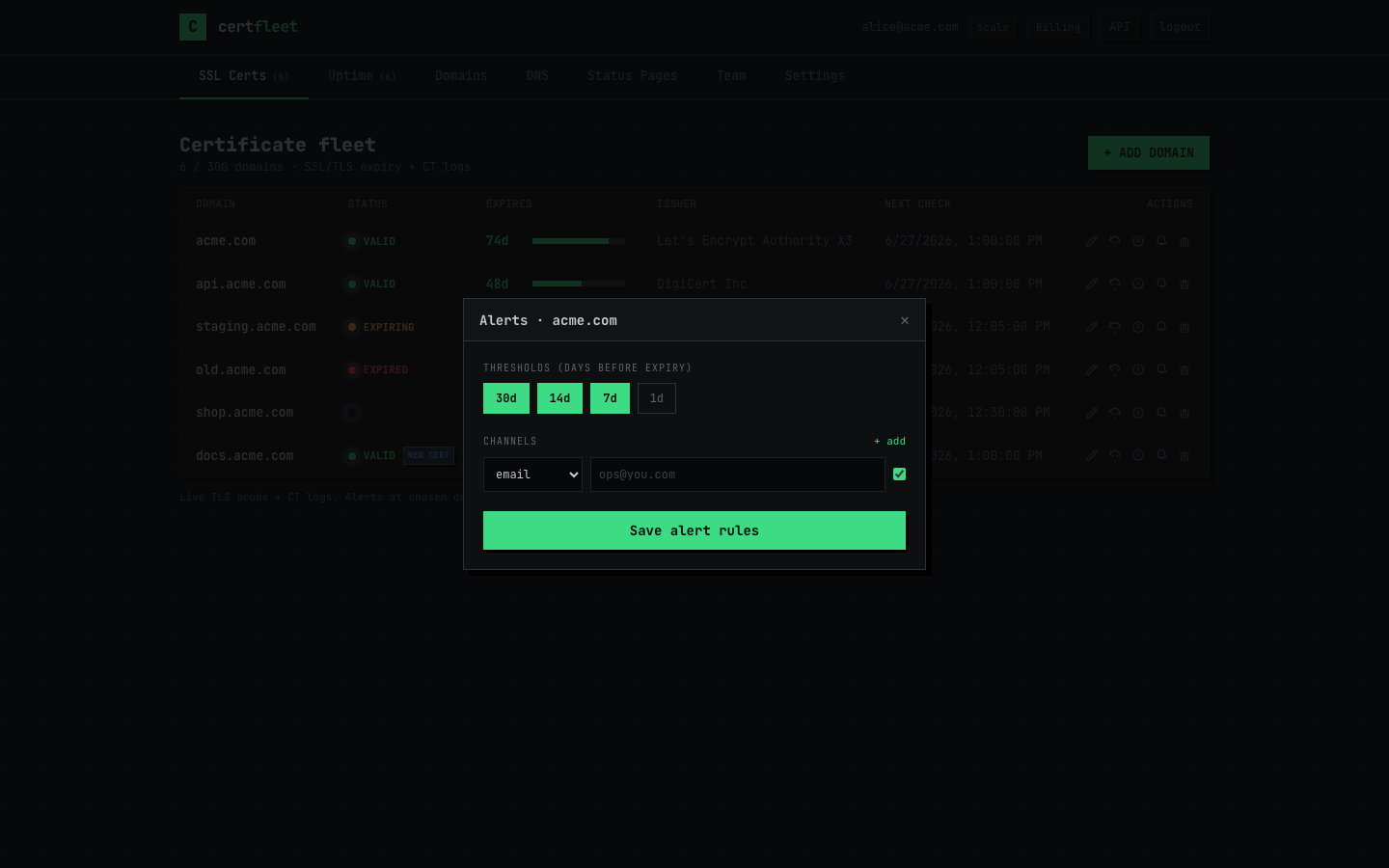
Per-certificate alert configuration — choose thresholds, delivery channels, and recipients independently for each domain. Webhooks are HMAC-signed; payloads include expiry date, days remaining, issuer, and current certificate serial.
10 SSL certs · email + Slack · 30/14/7/1d alerts · CT monitoring.
25 certs · signed webhooks · REST API · SMS · 1-min uptime checks.
100 certs · team RBAC · private certs · CT new-issuance alerts · 3 users.
Add your first certificate in under a minute. Free for 10 SSL domains with staged alerts and CT monitoring — no credit card.
Built in France · Architecture & RGPD · All plans