SSL Certificate Checker
Enter a domain. We open a live TLS handshake on port 443, read the X.509 certificate, and cross-reference Certificate Transparency logs. Instant, free, shareable.
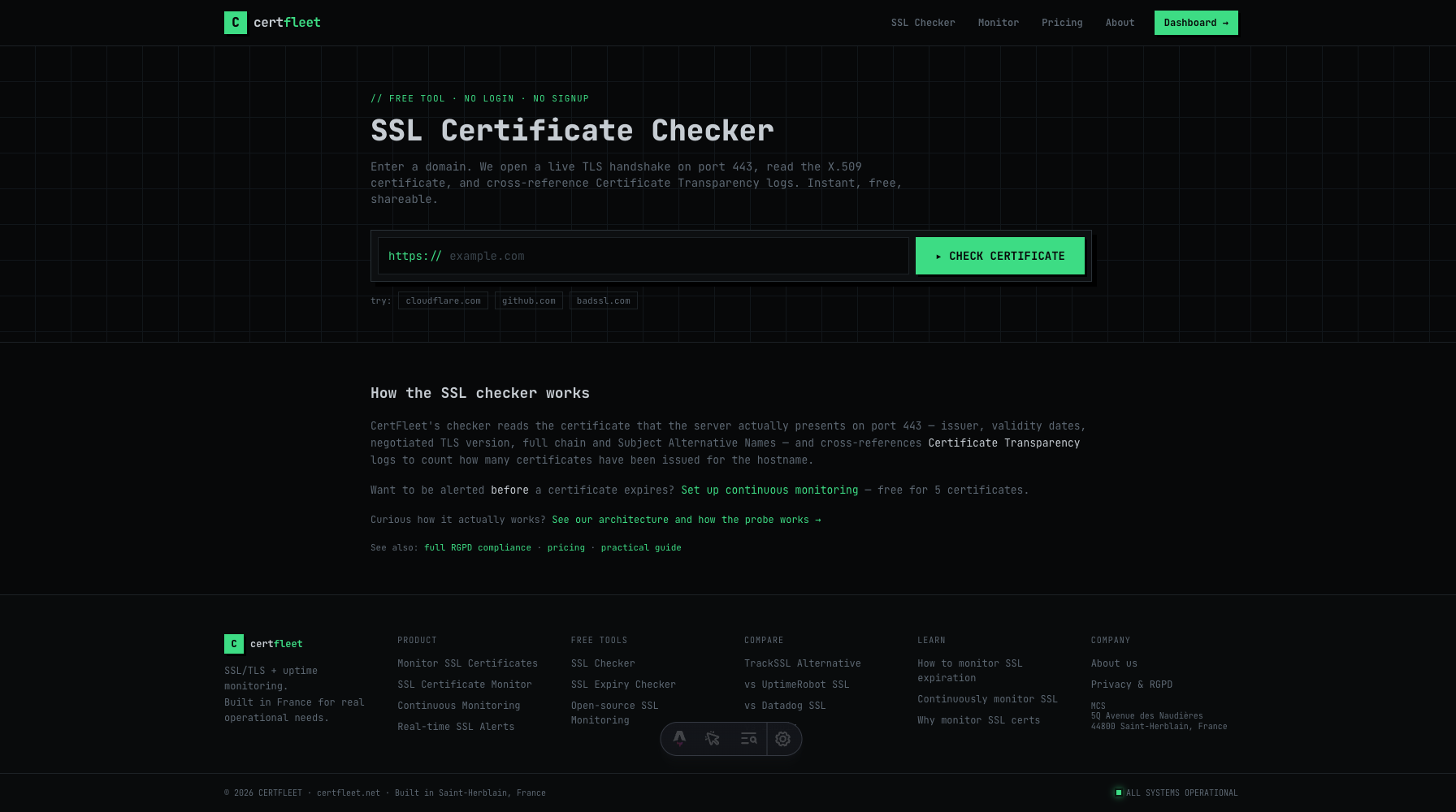
Live TLS probe readout — reads issuer, TLS protocol version, Subject Alternative Names (SANs), complete validation chain, and remaining lifetime.
How the live TLS handshake works under the hood
CertFleet's SSL checker is fundamentally different from passive aggregators. Instead of relying purely on historical records or cached database values, our network of globally distributed probes opens a live TCP socket on port 443, initiates a real TLS cryptographic handshake with the target hostname, and retrieves the active X.509 certificate.
This live approach guarantees that you see exactly what a browser or API client receives when connecting right now. We read the certificate's metadata directly from the cryptographic payload: the Issuer Common Name (CN), the negotiated TLS protocol version (e.g., TLS 1.3), the exact cryptographic signature algorithm (such as ECDSA or RSA), and the full list of Subject Alternative Names (SANs). We then cross-reference these findings with public Certificate Transparency (CT) logs to retrieve historical issuance events.
Common SSL/TLS configuration errors and how to diagnose them
A broken SSL/TLS configuration will instantly block your users from visiting your site, causing severe trust and revenue loss. The most common errors include:
- Expired Certificate (Not After Date Passed):
All modern certificates have a maximum lifetime of 398 days (90 days for automated Let's Encrypt certificates). Once this date passes, browsers block all traffic with an
ERR_CERT_DATE_INVALIDerror. Our checker parses this field and displays a clear countdown. - Hostname Mismatch (Subject Alternative Name Failure):
A certificate is only valid for the specific hostnames listed in its Subject Alternative Names (SANs) or Common Name. If you point
api.example.comto a server running a certificate only valid forexample.com, browsers will throwSSL_ERROR_BAD_CERT_DOMAIN. - Incomplete Certificate Chain (Missing Intermediates):
Servers must present not just their own "leaf" certificate, but also any "intermediate" certificates required to establish a path of trust up to a trusted Root Authority. While some desktop browsers cache and patch missing intermediates, mobile clients, APIs, and command-line tools like
curlwill instantly fail with an untrusted chain error. - Self-Signed or Untrusted Authority:
Certificates generated internally or by untrusted private authorities will show an
ERR_CERT_AUTHORITY_INVALIDerror on public clients. Our checker verifies if the presenting chain is trusted by major public root stores.
Manual Diagnostics vs. Continuous Automated Monitoring
Checking your certificate manually is a critical diagnostic step during a deployment or an incident. However, manual checks cannot prevent downtime because they depend on human memory. SSL certificates expire silently in the background, registrar auto-renewals fail due to expired credit cards, and automated ACME renewal scripts crash due to DNS rate limits.
This is why professional operations teams pair manual debugging with continuous automated monitoring. A dedicated monitor tests your handshakes every single hour and fires notifications directly to your team's communication channels weeks before any real failure occurs.
| Feature | Manual SSL Checker | CertFleet Continuous Monitor |
|---|---|---|
| Analysis Frequency | Only when you manually enter the URL | Automatic (Every hour / 1 min) |
| Alert Notifications | None (Requires browser output) | Email, Slack, SMS, Discord & Webhooks |
| Staged Warning System | No (Manual countdown) | Staged alerts at 30, 14, 7, and 1 days |
| Chain and Handshake Audits | Yes | Yes, with historical trends & SLA logs |
| Certificate Transparency Logs | Yes | Continuous tracking + instant new cert alerts |
| Uptime Monitoring Integration | No | Yes, checks HTTP status & keywords |
Frequently Asked Questions
Do you cache certificate results?
Briefly. A result is reused for up to 5 minutes per hostname to keep this free tool from being used as a scanning proxy. Every result still comes from a real TLS handshake we performed on port 443 — never from a CA database or a stale record — so what you see is what your server served, at most five minutes ago. Continuous monitoring re-probes on your plan's own interval.
What is the difference between WHOIS expiry and SSL expiry?
WHOIS/RDAP handles your domain name registration (which you buy from a registrar like Namecheap or Cloudflare for 1-10 years). SSL handle the cryptographic transport layer on your server (issued by authorities like Let's Encrypt for 90 days). If your domain name registration expires, you lose ownership of the domain. If your SSL expires, you still own the domain, but users face security warnings.
Can I monitor internal or private certificates?
While this public diagnostic tool can only reach publicly accessible hostnames, our CertFleet agent and tunnels allow you to monitor internal or private certificates on your own private networks securely and easily.
Never miss an SSL certificate expiration again
Get started with CertFleet. Monitor up to 10 SSL certificates and 10 HTTP uptime endpoints completely free, forever. Setup takes less than 60 seconds.